 Good news for everyone learning with Axoniq Academy.If you’ve completed a course, you can now add your Axoniq Academy certificate directly to your LinkedIn profile under Licenses & Certifications.
How to do it:
- Go to your Axoniq Academy certificate lesson
- Download the certificate
- On LinkedIn, upload it to media under Licenses & Certifications
- Fill in the details and you’re good to go
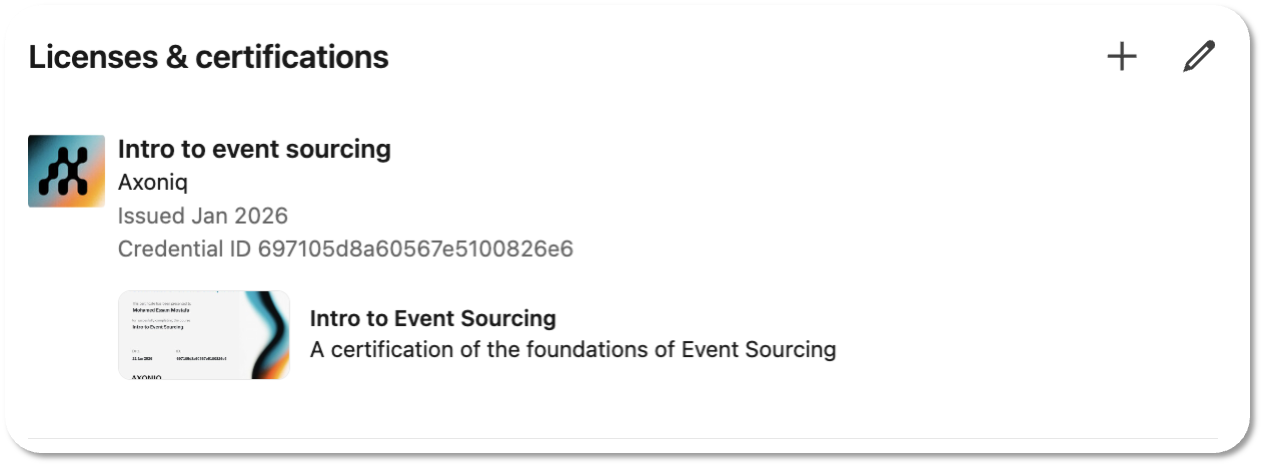
If you’ve previously added yours, then you’re already ahead of the curve 
Thanks and happy learning 